Yves Saint Laurent Coupon Check Guide
- Published
- Revised
- Editors
- Marcus Hale · Editor-in-Chief
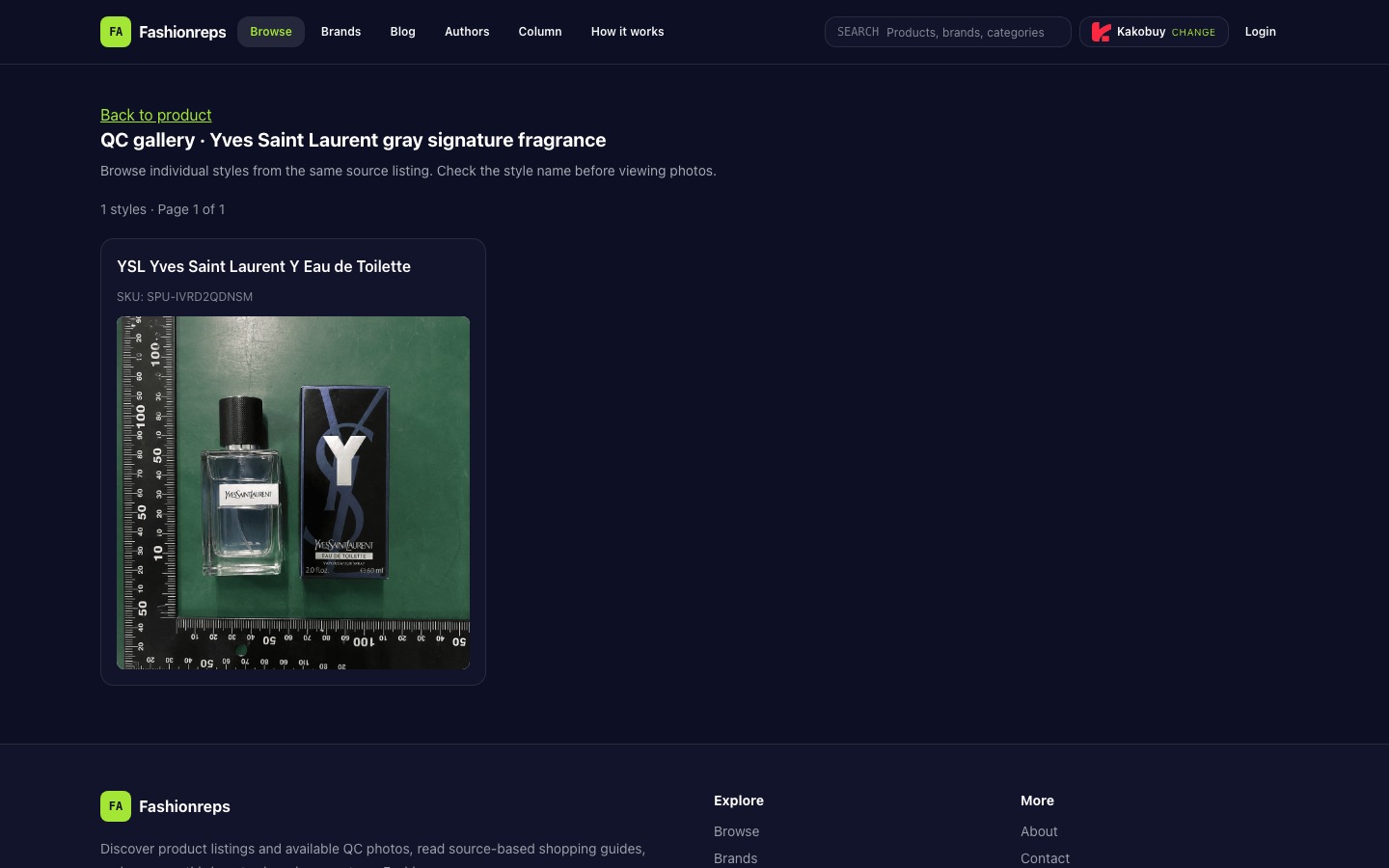
Start by Confirming Which Product You're Verifying Whether a discount applies isn't just about the brand name—you need to lock down the exact product and variant first. The product record verifiable here is "YSL Yves Saint Laurent Y Eau de Toilette," with SKU SPU-IVRD2QDNSM. This info comes from the corresponding QC page on Fashionreps, which shows this source product has 1 variant. Currently, the verifiable d
Editor score 4.2 / 5
Start by Confirming Which Product You're Verifying
Whether a discount applies isn't just about the brand name—you need to lock down the exact product and variant first. The product record verifiable here is "YSL Yves Saint Laurent Y Eau de Toilette," with SKU SPU-IVRD2QDNSM. This info comes from the corresponding QC page on Fashionreps, which shows this source product has 1 variant.
Currently, the verifiable data only confirms the product title, SKU, and QC page status. There's no coupon code, discount percentage, minimum spend, expiration date, exclusions, or checkout reduction amount provided. So you can't conclude that a particular coupon works on this item, nor calculate any savings in advance.

Record Product Details Before Paying
When you open the product page or the relevant purchase link, save the following information first:
- Full product title: YSL Yves Saint Laurent Y Eau de Toilette
- SKU: SPU-IVRD2QDNSM
- Specific variant, color, or size: as shown on the current page
- Quantity
- Price and currency displayed on the product page
- Page where the coupon entry is located
- Date and time of your check
If the page doesn't show specific size, price, or selectable variants, don't fill in details from other pages. Coupon conditions often depend on the product, quantity, region, currency, or order status—same product title doesn't mean same coupon terms.
Check the Coupon's Scope Based on the Terms
Before submitting your order, go through the offer details or promo terms item by item. Focus on recording these:
| Verification Item | What to Confirm |
|---|---|
| Eligibility | Does it explicitly include this product, this SKU, or the current product category? |
| Threshold | Is there a minimum item amount, order total, or specific quantity required? |
| Exclusions | Does it exclude fragrances, brand items, specific variants, regions, or payment methods? |
| Validity | Is the current time within the promo period, based on the platform's time zone? |
| Currency | What currency are the threshold and discount in? Does it match the checkout currency? |
| Stacking | Can it be combined with store discounts, platform offers, or other coupons? |
Only when the promo page clearly states the eligible items and conditions can you list it as a coupon to verify. Just seeing a "coupon" button, the brand name, or a code entry box isn't enough to prove the discount works.
Confirm the Discount Actually Appears at Checkout
Whether a coupon is valid ultimately depends on the order details at checkout. After entering the code or selecting the offer, don't pay yet—check if the page shows all of the following:
- Original price or pre-discount amount
- Item discount or coupon reduction
- Service fee
- Payment fee
- Packaging fee
- International shipping
- Total amount due
- Currency used
Take screenshots of the page before and after applying the discount and save them. If the total changes but the page doesn't clearly state which line item caused the change, contact customer service first. Don't treat the entire difference as coupon savings without confirmation.
Separate the Product Discount from Other Fees
A coupon may only apply to the product amount, not necessarily reduce service fees, payment fees, packaging fees, or international shipping. When recording your order, you can organize it in this order:
- Product amount: Record the pre-discount amount.
- Product discount: Only fill in the product reduction clearly marked on the checkout page.
- Service fee: Record separately; don't merge it into the product discount.
- Payment fee: Record separately, and check if it changes due to the payment method.
- Packaging fee: If shown, save it separately.
- International shipping: Record after the shipping option is chosen; don't estimate it based on the product discount.
- Final amount due: Use the currency and amount shown on the current checkout page.
If the discount only lowers the product amount, other fees may stay the same. Only when the checkout details explicitly show a reduction can you tell which part the coupon actually reduced.
Pause Payment When You Can't Confirm
If any of the following happen, don't treat the coupon as active:
- The page doesn't show the specific eligible product or SKU.
- The code can be entered, but no success or failure reason is displayed.
- The checkout page doesn't show a separate discount amount.
- The offer details lack validity dates, threshold, or exclusions.
- The currency shown on the page differs from the currency used in the offer's terms.
- The total due changes, but the fee breakdown doesn't explain why.
In these cases, save screenshots of the product page, offer terms, and checkout page. Then provide customer service with the product title, SKU, quantity, coupon name, and current checkout breakdown. Ask them to clearly state whether the coupon applies to this item and whether it affects the product amount or other fees.
The currently verifiable information is not enough to confirm that this Yves Saint Laurent product has a working discount, nor to confirm any savings amount. Complete the checks above and see a clear reduction at checkout before deciding whether to proceed with payment.
Community feedback 0 reviews
No approved reviews yet.