Verify Jordan Shoe Return Shipping Costs: Box, Weight, Route
- Published
- Revised
- Editors
- Marcus Hale · Editor-in-Chief
When returning a pair of Jordan shoes, the price shown on the product page is not the final cost. The areas where mistakes are most likely to occur are whether the shoe box is kept, how the package dimensions change, which billable weight the agent platform uses, and whether the destination and route conditions have been entered on the checkout page. This article uses a Jordan 11-style shoe on fashion-reps as an example to explain which parameters to reco
Editor score 4.2 / 5
When returning a pair of Jordan shoes, the price shown on the product page is not the final cost. The areas where mistakes are most likely to occur are whether the shoe box is kept, how the package dimensions change, which billable weight the agent platform uses, and whether the destination and route conditions have been entered on the checkout page.
This article uses a Jordan 11-style shoe on fashion-reps as an example to explain which parameters to record before returning, which amounts must be re-queried, and when to pause payment if evidence is insufficient.

First Distinguish Product Price from Return Cost
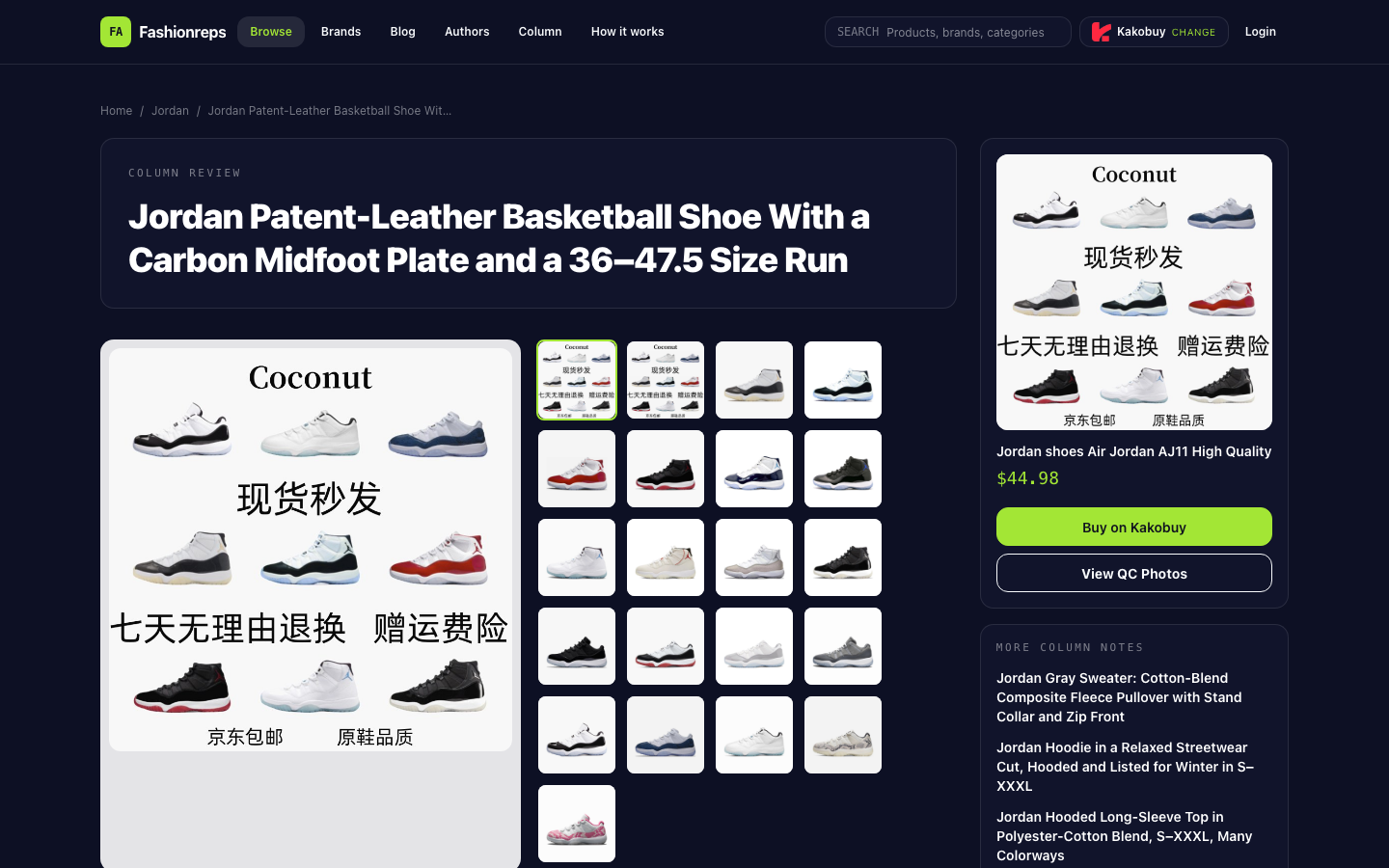
The product page describes the shoe as a patent leather basketball shoe, listing a full-length Air Sole unit, a midfoot carbon fiber plate, a translucent outsole, and a size range of 36–47.5. The page was checked on October 28, 2026, showing a reference price of $44.98 and a final product price of $47.74.
These two figures can only be recorded as the prices on the product page and cannot be directly treated as the total return cost. Final accounting requires separately confirming the product price, service fee, payment fee, packaging fee, international shipping fee, possible taxes, insurance, and exchange rate. The currently verified information does not provide real-time shipping costs for this shoe to the specified destination, specified route, and specified package condition, so no total price should be inferred.
Fix Shoe and Package Conditions Before Ordering
Before opening the official calculator or the agent platform's checkout page, write down the following conditions:
- The specific product page and style, not just "Jordan shoes."
- The purchased size, quantity, and whether the shoe box, shoe trees, or other accessories are included.
- The destination country, region, and postal code; routes and tax conditions may differ by destination.
- Whether you accept removal of the shoe box, compression packaging, or replacement of the outer box.
- The actual weight, package length, width, and height after warehousing, and the measurement time.
- The route, currency, exchange rate source, and checkout page time used for the query.
- Whether the page shows the product price, estimated shipping, or the payable amount already including service fees.
The shoe box status should be recorded separately. Keeping the shoe box may increase volume and package weight, while removing it may change the level of protection, appearance preservation, and packaging requirements. Without the actual measured dimensions of the current package, you cannot judge how much shipping will decrease based solely on the shoe name or size.
Break Down Costs with a Record Table
| Item | What to Record | Current Evidence Status |
|---|---|---|
| Product Price | Currency, amount, and price type shown on page | Known: page shows $44.98 reference price and $47.74 product price; not the total return cost |
| Service Fee and Payment Fee | Details on the agent platform's checkout page | Not provided in current data; must be based on checkout page |
| Packaging Fee | Whether shoe box is kept, reinforcement, box replacement | Not provided in current data; needs confirmation in packaging options or customer service |
| Billable Weight | Actual weight, volumetric weight, and final weight used by platform | Not provided in current data; must be verified with current package data |
| International Shipping Fee | Destination, route, weight tier, and currency | Not provided in current data; cannot be estimated |
| Taxes and Insurance | Whether applicable, included, and calculation basis | Not provided in current data; cannot be estimated |
| Exchange Rate | Query time, conversion source, and settlement currency | Reconfirm before payment |
This table's purpose is to avoid filling unknown items as zero. If an item does not appear on the current checkout page, mark it as "unconfirmed" rather than assuming no fee will be incurred.
Keeping or Removing the Shoe Box: Look at Evidence First
If you need to keep the shoe box, first confirm whether the agent platform includes the shoe box in package measurements and whether the outer box's length, width, and height will increase due to the shoe box shape. For shoe packages, dimension changes may affect billable weight, but the specific impact depends on the platform's billing rules, route, and destination.
If you do not need the shoe box, you can ask the warehouse or agent platform to confirm the following:
- Whether only the original shoe box is removed or whether shoe trees, paper, and other packaging are also handled.
- Whether actual weight and package dimensions will be re-measured after removal.
- Whether the upper, patent leather, and translucent outsole will receive adequate protection.
- Whether removing packaging incurs a handling fee or new packaging fee.
- Whether the platform can provide photos, weights, and dimensions before and after removal.
This product page mentions patent leather upper, shoe trees, and translucent outsole, but these page descriptions cannot prove how the warehouse will package, nor substitute for the actual measured data of the current package. The decision to keep or remove the shoe box should be made after both the protection needs and the checkout page data are clear.
Review Sequence for the Official Calculator and Checkout Page
Step one: Confirm that the product has been warehoused and that the shoe, size, and quantity match the order. The page data shows a size range of 36–47.5, but the specific purchased size should still be based on your order and warehouse records.
Step two: View the available options after keeping and removing the shoe box separately. Only when the platform actually provides two sets of package data can an effective comparison be made. Do not use the weight of other Jordan shoes, other sizes, or old orders as a substitute for the current package.
Step three: Enter the actual destination and available routes, and record the currency, billable weight, shipping fee, estimated delivery time, and additional conditions returned by the calculator. If the page shows only an estimate, keep the "estimate" label.
Step four: Return to the final checkout page and check whether the product price, service fee, payment fee, packaging fee, and international shipping fee are listed separately. If the calculator and checkout page use different currencies, record the original currency amount first, then the converted amount, to avoid double conversion.
Step five: Save the query time and screenshots or page records. Shipping fees, route availability, and additional fees may change over time, destination, and package conditions; this article does not replace the real-time quote at the time of payment.
When to Pause Payment
You should not pay directly based on the estimated total if any of the following occurs:
- Whether the shoe box is kept is not confirmed, and the page does not provide updated package weight or dimensions.
- The calculator only accepts estimated weight, and the warehouse has not yet provided actual weight and dimensions.
- The checkout page does not clearly distinguish international shipping fee, service fee, and packaging fee.
- The payment currency differs from the display currency, but the exchange rate source and query time are unknown.
- The route, destination, or tax conditions are not clearly shown.
- The checkout page amount differs from the calculator result, and the platform does not explain the difference.
Conclusion: Lock Package Data First, Then Confirm the Total
This Jordan shoe's product page can help confirm the style description, size range, and page price, but the current data is insufficient to provide the actual shipping fee or total cost for returning the shoe. The most reliable way to verify is to first fix the size, quantity, destination, and shoe box status, then obtain the actual warehousing weight and package dimensions, and finally review item by item using the official calculator and checkout page at the time of payment.
As long as any of the shoe box status, billable weight, route, currency, and query time remains unconfirmed, the amount should be considered as not yet verified, rather than treating the estimate as the final cost.
Community feedback 5 reviews
Reader score 4.6 / 5 (5 ratings)
- J11 buyer5 / 5
I returned a pair with the original box and the size made a noticeable difference to the shipping quote. Check the final parcel details before paying.
- Avery4 / 5
Good practical checklist. Would be useful to photograph the parcel dimensions too, especially if the quoted weight seems off.
- solecheck5 / 5
This saved me from assuming the product page price covered return shipping. Route and destination settings really do matter.
- Mason K.4 / 5
Helpful reminder that the checkout estimate can change if the agent removes the shoe box. I’d also compare the billable weight shown before confirming the return.
- JordanRoute5 / 5
The box detail is easy to overlook. I got a much clearer estimate after checking both the packed dimensions and the route, not just the shoe weight.