Dolce Gabbana Belt Coupon Check Before Checkout
- Published
- Revised
- Editors
- Marcus Hale · Editor-in-Chief
Clarify the Checkout Task for Verifying dolce gabbana Belt Coupons This guide addresses a specific problem: you're preparing to buy a Dolce & Gabbana belt, but you're unsure whether the coupon shown on the checkout page actually applies to the target item, and what the final amount due will be after the discount. After reading, you should be able to make three judgments: directly use a coupon whose applicability has been confirmed, ask customer service about unclear conditions, or hold off on
Editor score 4.2 / 5
Clarify the Checkout Task for Verifying dolce gabbana Belt Coupons
This guide addresses a specific problem: you're preparing to buy a Dolce & Gabbana belt, but you're unsure whether the coupon shown on the checkout page actually applies to the target item, and what the final amount due will be after the discount.
After reading, you should be able to make three judgments: directly use a coupon whose applicability has been confirmed, ask customer service about unclear conditions, or hold off on payment until the coupon rules can be verified. This article does not provide coupon codes that have not been confirmed by the current page or customer service, nor does it treat promotional promises on the page as actual savings.
As of the verification date, there is no publicly confirmable specific coupon code or fixed discount amount that clearly applies to this belt item. Therefore, the final payable amount should still be based on what the checkout page actually shows. 🧾

Record Style, Color, Size, and Current Visible Amount from the fashion-reps Product Page
First, confirm the specific style you intend to buy on the fashion-reps product page; don't just note the brand name. Save at least the following information:
- Product name and the style shown on the product page
- Color or colorway
- Available sizes and the size you plan to purchase
- Quantity
- Current product amount displayed on the page
- Whether the page shows out of stock, pre-sale, purchase limit, or other special status
If the product page has multiple colors, sizes, or variants, base your selection on the specific option you're adding to the cart. Coupons may only apply to a certain style, specific variant, or designated product collection; you cannot assume all products are eligible just because they share the same brand or category.
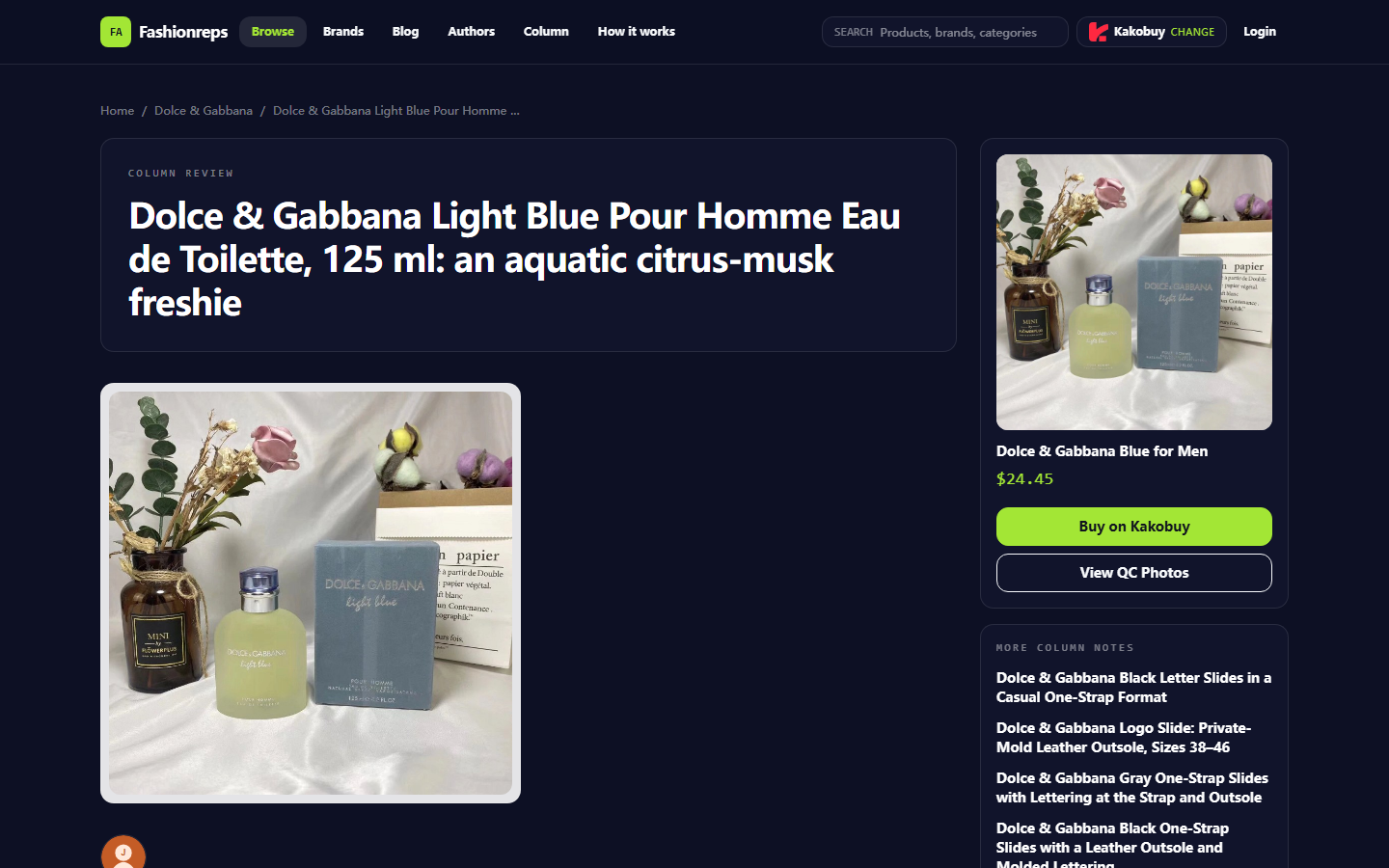
The currently visible specified image source page does not correspond to the Dolce & Gabbana belt; it is a perfume product page. Therefore, the product name, price, specifications, or reviews in that image cannot be used for judging the belt coupon. That image is retained only as page-specified material and does not constitute evidence for the belt item.
Find and Save Coupons, Validity Periods, and Usage Instructions Displayed on the Target Site
Before actual checkout, check the current coupon entry points on the target shopping or service site in order: account coupon center, cart coupon area, checkout page selectable coupons, promotional announcements, and usage instructions near the order confirmation page.
For each potentially applicable coupon found, record the following:
- Coupon name or identification information shown on the page
- Discount type, such as fixed amount, percentage, or shipping reduction
- Start time and end time
- Usage channel and applicable account
- Whether manual claim is required
- Whether a code needs to be entered
- Applicable products or product categories shown on the page
- Minimum spend and other restrictions shown on the page
Don't just capture the discount amount. The validity period, currency, applicable region, and usage conditions are equally important. If the page does not show an expiration time, do not speculate on how long the promotion will last. If the coupon area only shows "up to X off" or "some products eligible", you cannot treat the maximum amount as the amount for your current order. 🔎
Check Minimum Spend, Applicable Products, Exclusions, and Quantity Limits
Compare the product page information with the coupon rules item by item. Focus on the following questions:
- Is the Dolce & Gabbana belt an eligible product for the coupon, rather than merely belonging to an eligible brand or broad category?
- Does the product amount meet the minimum spend threshold?
- Is the threshold calculated on the product amount, or on the order amount including service fees and shipping?
- Are sale items, clearance items, pre-sale items, or specific sellers excluded?
- Is there a limit on usage per account, per order, or per item?
- Is there a purchase quantity limit?
- Are there restrictions on destination, currency, or payment region?
- Does it require entering from a designated entry point or claiming with a designated account?
If the rules only say "some products eligible" without listing the product range, you cannot judge eligibility based solely on the product title. In that case, save the rule page and checkout page prompts, and ask customer service whether the product ID or specific style of the item is within the applicable range.
If the minimum spend is displayed in USD or another foreign currency, confirm whether the checkout page uses the same currency. Exchange rate fluctuations, rounding, and service fee calculation methods can cause discrepancies when an order is just at the threshold. For orders near the threshold, it is not advisable to buy unrelated items just to get an unconfirmed discount. 💰
Check Whether the Coupon Can Be Combined with Service Fees, Payment Methods, or Other Discounts
The coupon amount does not necessarily equal an equal reduction in the order total. Before checkout, distinguish at least four amounts: product amount, service fees, international shipping costs, and possible taxes or other destination country fees.
Focus on whether the coupon rules state that the discount applies to:
- Product amount only
- Product amount and service fees
- International shipping costs
- Fees generated by specified payment methods
- First-order discount or account-exclusive discount
- Other promotional discounts or automatic discounts
If the page automatically applies two discounts, do not assume they can be combined long-term. Check whether the order details clearly list each discount and whether the system canceled one of them. If the coupon amount does not change after entering the code, it may be because the product is not eligible, the threshold is not met, the coupon has expired, the currency does not match, or the discount is already occupied by another offer.
Be especially cautious with service fees and shipping costs. Even if the product amount is reduced, the final payable amount may still change due to service fees, route costs, or other order costs. A coupon taking effect only proves that the checkout page accepted the discount; it does not mean the entire order is necessarily cheaper than other options.
Recheck on the Order Confirmation Page Whether the Coupon Actually Takes Effect
After adding to cart, do not pay immediately. First go to the order confirmation page to check that the product, quantity, shipping plan, and discount details are all as expected.
It is recommended to review in the following order:
- Confirm the product name, style, color, size, and quantity.
- Confirm the original product amount and currency.
- Confirm that the coupon name, discount amount, or discount percentage is already displayed in the order details.
- Confirm that the discounted product amount is calculated correctly.
- Confirm that service fees, shipping costs, and other fees are not mistaken for the final amount after discount.
- Confirm that the final payable amount shown on the payment page matches the order details.
- Take screenshots or save order confirmation information, but be sure to cover the order number, address, phone number, payment information, and other personal data.
If the coupon only appears during the cart stage and disappears after entering the confirmation page, the confirmation page should prevail, and you should ask customer service before paying. Only when the order confirmation page clearly shows that the discount has been applied can you count this discount toward expected savings. ✅
Distinguish Between Page-Confirmed Conditions, Items Pending Customer Service Confirmation, and Savings That Cannot Be Inferred
Content clearly displayed on the page, such as coupon name, expiration time, minimum spend, discount amount, and applicable range, can be part of your current verification record. However, this information may still change with the promotion, so record the verification date when saving.
The following situations should be classified as pending customer service confirmation:
- The rules say "some products eligible" but there is no product list
- The belt is a sale item, pre-sale item, or from a special seller
- The order amount is just near the minimum spend threshold
- It is unclear whether the coupon applies to service fees or shipping costs
- There is no clear statement on whether two coupons can be stacked
- Whether different payment methods change the discount result
- The checkout page shows the discount, but the conditions differ from the promotion description
The following cannot be directly inferred:
- Seeing a coupon entry means the account must have an available discount
- Seeing the brand name means all products under the brand are eligible
- Seeing "up to X off" means the current order can get the maximum amount
- Seeing the product price drop means the total order cost drops by the same amount
- Inferring from past promotions that the current promotion is still valid
- Inferring from other shopping agents' or other accounts' discounts that the current order can use them
If customer service cannot clearly state the applicable products, validity period, or actual deduction amount, mark the coupon as unconfirmed and do not include it as a certain saving in your budget. 📌
Use a Pre-Checkout Checklist to Decide Whether to Use, Ask, or Hold Off
You can use this short checklist before paying:
- Product style, color, size, and quantity confirmed
- Current product amount and currency recorded
- Coupon source and verification date recorded
- Validity period has not passed the checkout time
- Minimum spend calculation method is clear
- The belt does not fall into exclusions
- Quantity and account limits are met
- Discount scope for service fees, shipping costs, and other fees is clear
- Order confirmation page actually shows the discount has taken effect
- Final payable amount has been recalculated
- Personal information has been covered in saved screenshots
If all key conditions are met, you can proceed with the amount on the confirmation page. If only the product applicability is unclear, ask customer service first and keep the written reply. If the coupon has expired, does not appear on the confirmation page, or the final amount cannot be explained, hold off on using that coupon to avoid treating expected savings as realized savings.
This verification did not confirm any specific coupon code, fixed discount, or certain savings amount. Therefore, the savings that can be confirmed at this time are only the discount amount actually displayed on the order confirmation page. Using a coupon may reduce the product payable amount, but service fees, shipping costs, taxes, or other destination country fees may still remain; you should not incur extra purchase costs or higher package risks just to meet a minimum spend.
Community feedback 0 reviews
No approved reviews yet.